Blog

  • Scene It First Interview with Rio Youers (Ep. 3)

    Scene It First Interview with Rio Youers (Ep. 3)

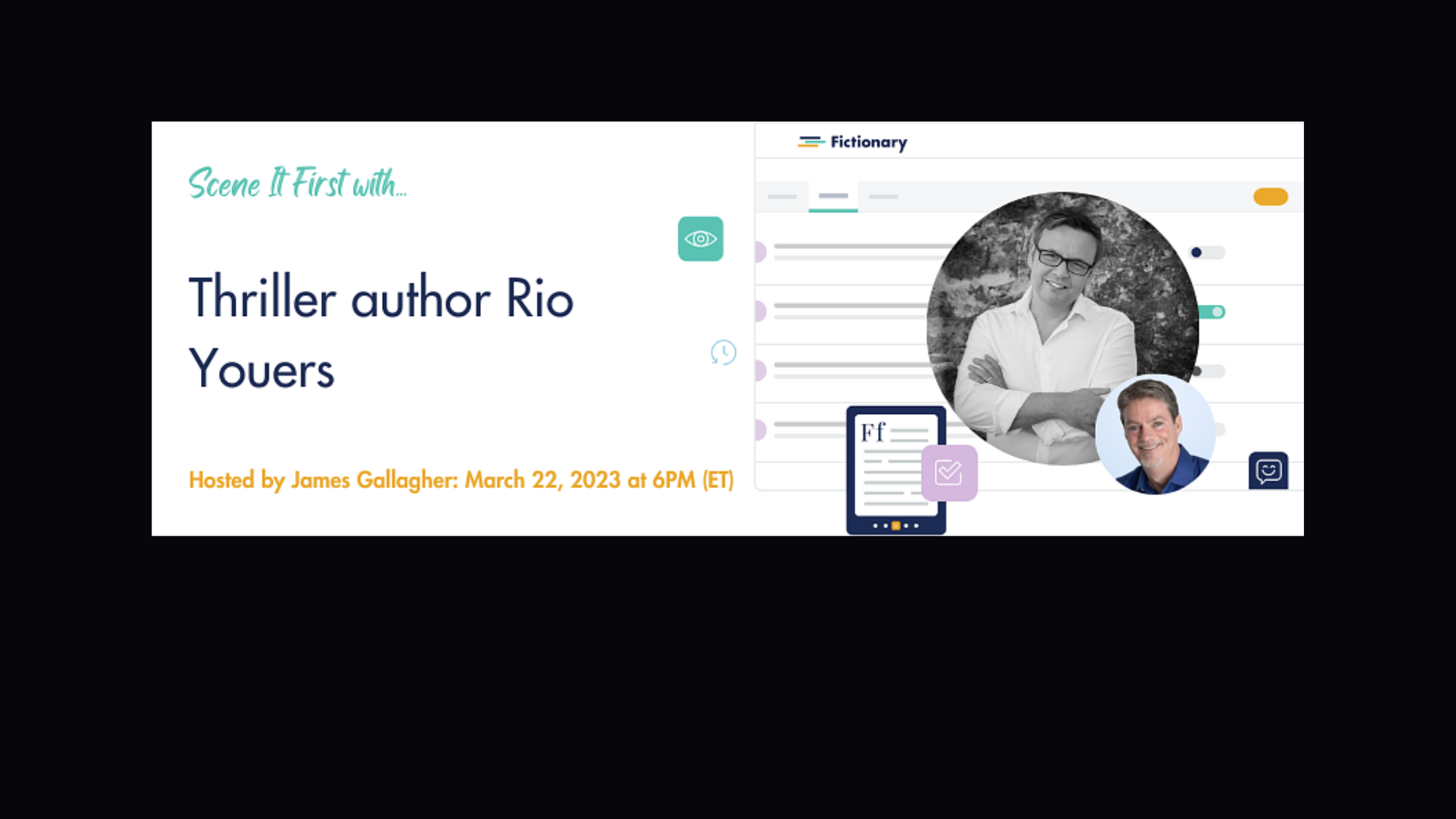
    The third episode of the Fictionary Scene It First interview series welcomed bestselling author Rio Youers on March 22, 2023.

    In this episode, Rio talked about his graphic adaptations (Sleeping Beauties, Refrigerator Full of Heads) and novels such as The Forgotten Girl, Halcyon, Lola on Fire, and No Second Chances.

    Just before the seven-minute mark, Rio shares his experience writing Westlake Soul, and it absolutely gave me chills. You won’t want to miss it.


    Upcoming interviews can be joined live by registered members of the Fictionary community, and it’s always free to register.

    In addition to hosting the Scene It First series, James Gallagher is the owner of Castle Walls Editing, a Fictionary-Certified StoryCoach Editor, and the copy editor of more than 250 books.

    About Rio Youers

    Rio Youers is the British Fantasy and Sunburst Award–nominated author of Westlake Soul and Lola on Fire. His 2017 thriller, The Forgotten Girl, was a finalist for the Arthur Ellis Award for Best Crime Novel. He is the writer of Refrigerator Full of Heads, a new six-issue series from DC Comics, and Sleeping Beauties, based on the best-selling novel by Stephen King and Owen King. Rio’s new novel, No Second Chances, is available now from William Morrow.

    About Fictionary

    Fictionary is a story-editing software that allows writers and editors to glean insights and perform developmental edits on their works using Fictionary’s 38 story elements for character, plot, and setting.

    The software also provides attractive visual reports, including the story arc (showing location of the inciting incident, plot point 1, midpoint, plot point 2, and climax), as well as reports illustrating such items as the story map, character list, and word count per scene.

    More information can be found at Fictionary.co.

    The Fictionary community can be found here (free to register).

  • Fictionary Interview with Ellen Jovin

    Fictionary Interview with Ellen Jovin

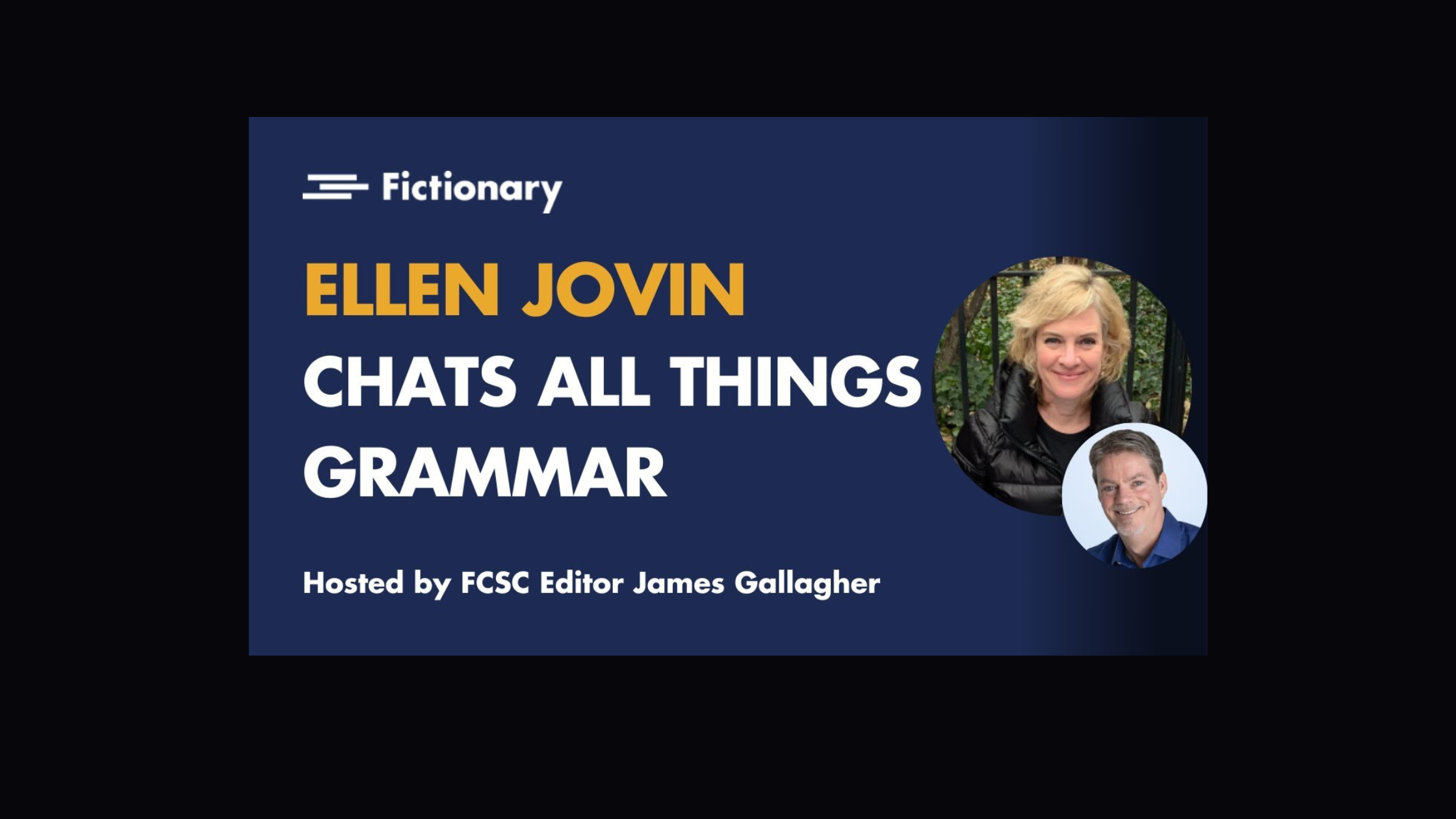
    On March 4, 2023, I had the honor of interviewing Ellen Jovin, author of Rebel with a Clause: Tales and Tips from a Roving Grammarian. In this lively discussion we talked about her adventures with the Grammar Table, her approach to language, and the wonders of the English language.


    Upcoming interviews can be joined live by registered members of the Fictionary community, and it’s always free to register.

    In addition to hosting the Scene It First series, James Gallagher is the owner of Castle Walls Editing, a Fictionary-Certified StoryCoach Editor, and the copy editor of more than 250 books.

    About Ellen

    Ellen Jovin is a cofounder of Syntaxis, a communication skills training consultancy, and the author of four books on language, most recently Rebel with a Clause: Tales and Tips from a Roving Grammarian (HarperCollins, July 2022). She is also the creator of a traveling pop-up grammar advice stand called the Grammar Table, whose adventures serve as the basis of this book. Ellen has a B.A. from Harvard College in German studies and an M.A. from UCLA in comparative literature, and has studied twenty-five languages for fun. She lives with her husband, Brandt Johnson, on the Upper West Side of Manhattan.

    About Fictionary

    Fictionary is a story-editing software that allows writers and editors to glean insights and perform developmental edits on their works using Fictionary’s 38 story elements for character, plot, and setting.

    The software also provides attractive visual reports, including the story arc (showing location of the inciting incident, plot point 1, midpoint, plot point 2, and climax), as well as reports illustrating such items as the story map, character list, and word count per scene.

    More information can be found at Fictionary.co.

    The Fictionary community can be found here (free to register).

  • Scene It First with Delancey Stewart (Ep. 2)

    Scene It First with Delancey Stewart (Ep. 2)

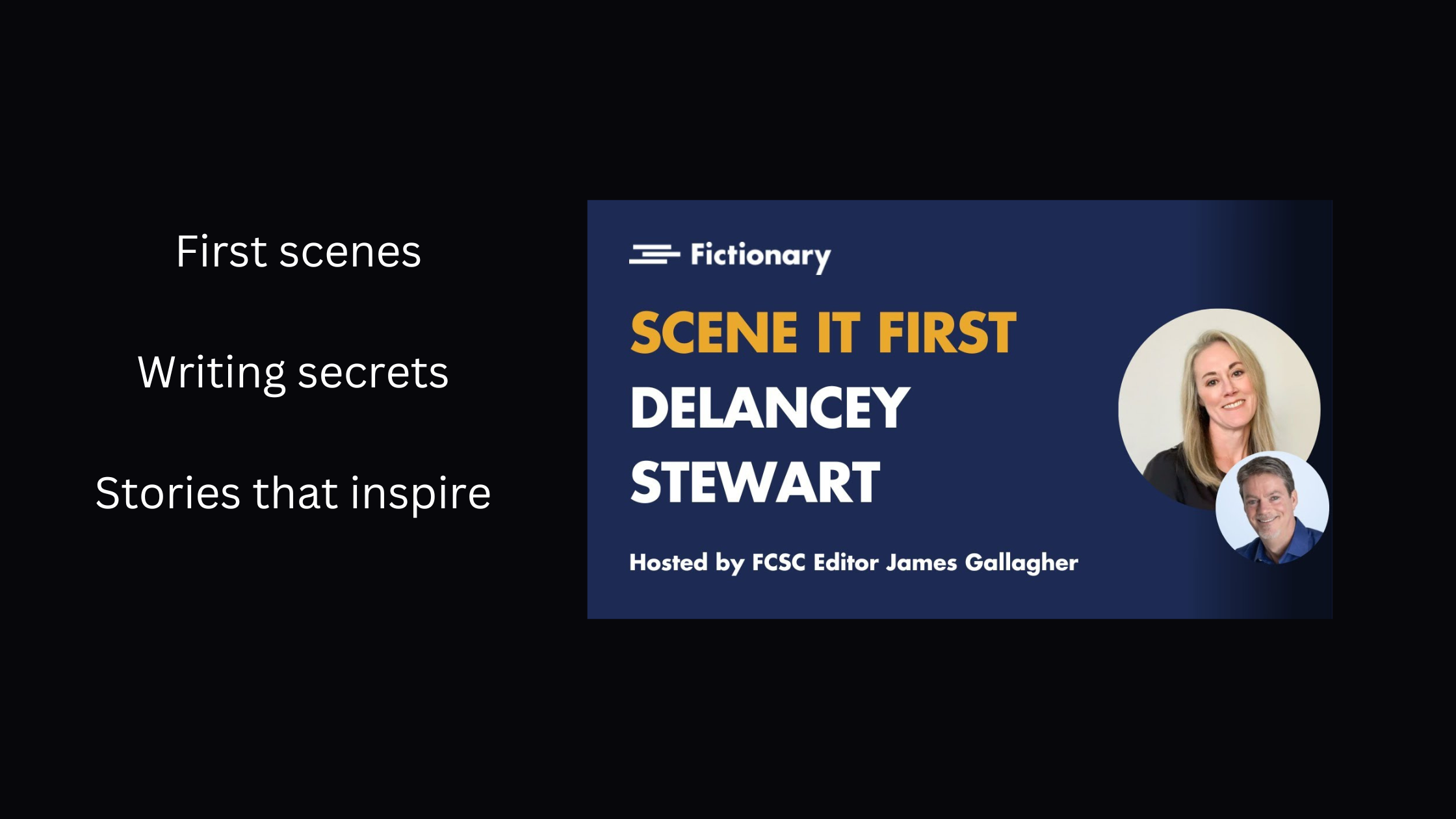
    The second episode of the Fictionary Scene It First interview series welcomed bestselling romance author Delancey Stewart on February 22, 2023.

    In this episode, Delancey talked about all things romance, writing strategies, and her favorite tropes.

    Upcoming interviews can be joined live by registered members of the Fictionary community, and it’s always free to register.

    In addition to hosting the Scene It First series, James Gallagher is the owner of Castle Walls Editing, a Fictionary-Certified StoryCoach Editor, and the copy editor of more than 250 books.

    About Fictionary

    Fictionary is a story-editing software that allows writers and editors to glean insights and perform developmental edits on their works using Fictionary’s 38 story elements for character, plot, and setting.

    The software also provides attractive visual reports, including the story arc (showing location of the inciting incident, plot point 1, midpoint, plot point 2, and climax), as well as reports illustrating such items as the story map, character list, and word count per scene.

    More information can be found at Fictionary.co.

    The Fictionary community can be found here (free to register).

  • Scene It First with Jonathan Janz (Ep. 1)

    Scene It First with Jonathan Janz (Ep. 1)

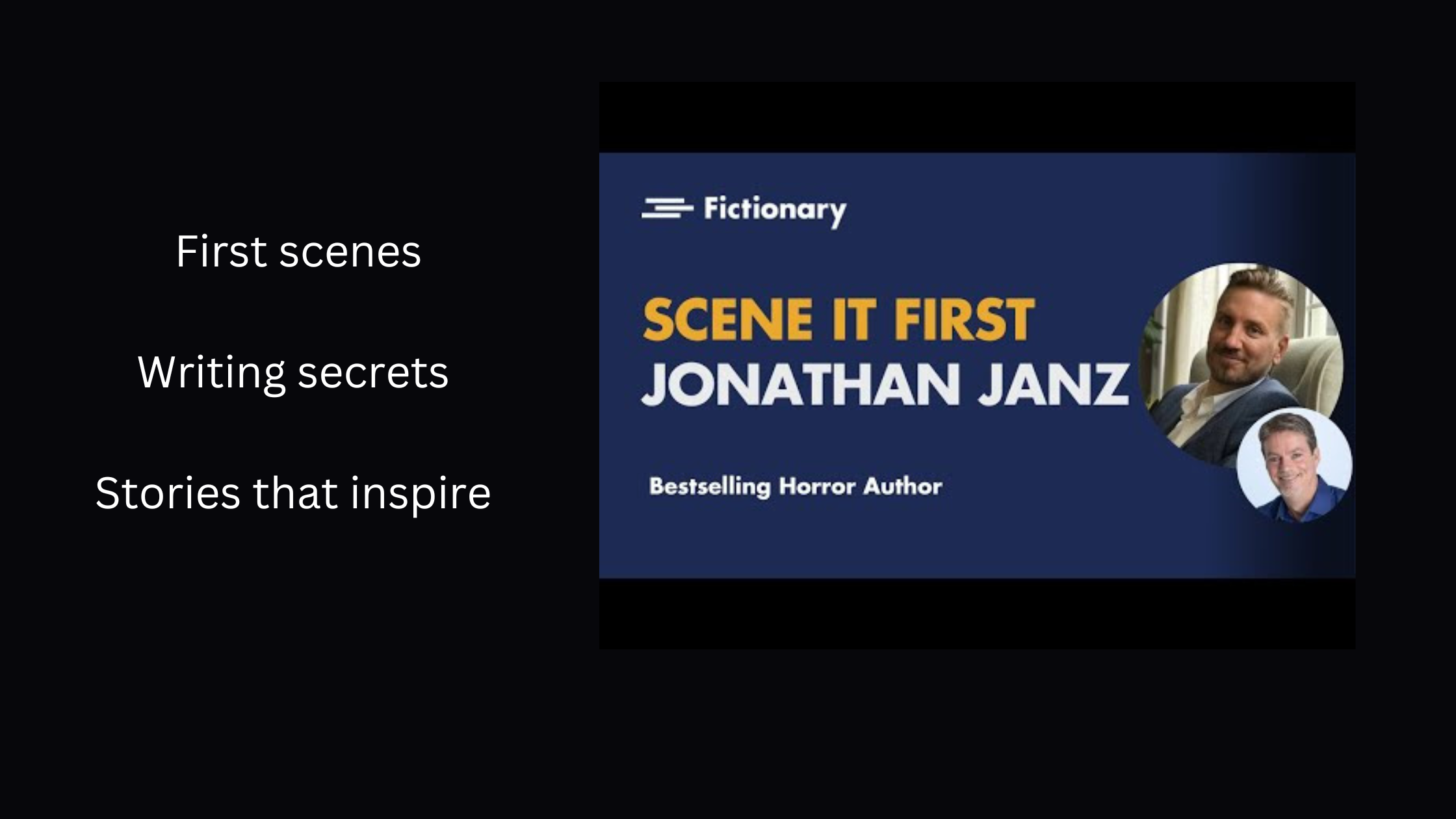
    The first episode of the Fictionary Scene It First interview series kicked off with my interview of horror author Jonathan Janz on January 25, 2023.

    Janz is one of my favorite authors, so it was a true pleasure to speak with him about his celebrated career, his upcoming works, and his insights on scene construction.  

    Upcoming interviews can be joined live by registered members of the Fictionary community, and it’s always free to register. 

    In addition to hosting the Scene It First series, James Gallagher is the owner of Castle Walls Editing, a Fictionary-Certified StoryCoach Editor, and the copy editor of more than 250 books.

    About Fictionary

    Fictionary is a story-editing software that allows writers and editors to glean insights and perform developmental edits on their works using Fictionary’s 38 story elements for character, plot, and setting.

    The software also provides attractive visual reports, including the story arc (showing location of the inciting incident, plot point 1, midpoint, plot point 2, and climax), as well as reports illustrating such items as the story map, character list, and word count per scene.

    More information can be found at Fictionary.co.

    The Fictionary community can be found here (free to register).

  • January Thanks

    January Thanks

    This January I tweeted daily thanks for helpful things in my editing world. The following tweets offer useful resources and provide insight into my editing life.

    I missed the first two days, so I’ll send a special thanks to authors everywhere and to The Best Punctuation Book, Period from June Casagrande, with honorable mentions to all the wonderful resources there simply weren’t enough days for. 

    (There’s also a pretty obvious typo in one of the tweets, so feel free to enjoy a little treasure hunt.)

    Here we go!

    And that’s a wrap. Just let me know if I can help with your writing projects. 


  • I’m Now a Fictionary-Certified Editor

    I’m Now a Fictionary-Certified Editor

    [vc_row][vc_column][vc_column_text]I’m pleased to announce that I’ve completed my Fictionary certification and am now listed among the program’s Fictionary-Certified StoryCoach Editors.


    The training program entailed two months of text and video lessons, biweekly Zoom calls with Fictionary founder Kristina Stanley and other members of the class, and the completion of an entire developmental edit using Fictionary software.

    The edit included the tracking of story elements in the software, notes per scene, in-line comments, and what turned out to be a thirty-page summary letter complete with story insights and visuals.

    My certification also came with this cool badge:

    About Fictionary

    Fictionary is an editing aid for performing developmental edits in a comprehensive and objective manner.

    Fictionary makes it easy for editors to track 38 story elements for character, plot, setting, and structure. The software also allows editors to view data in a variety of ways and to produce visual insights to help clients better see story and character arcs, words and characters per scene, POV issues, POV goals, scene tension, and other important elements. 

    Other Training

    I’m proud of the work I put in on my Fictionary certification, as it isn’t easy to add training to a full editing schedule. Continued development is important, though, and I try to regularly take classes, often through ACES or the EFA (I’m a member of both). To further my studies, I regularly view webinars and read craft books on editing.

    I also meet biweekly with my editors’ group, Pens & Pilcrows, which I founded in 2021. The group has provided a wonderful level of support and inspiration, and it has been all that I’d hoped it would be.

    As I said above, adding training to a full schedule is never easy, but I always come away feeling as though I have more to offer clients. This year I’ve taken courses in manuscript evaluation, line editing, markup in PDF page proofs, and, of course, Fictionary.

    I’m also enrolled in a class for editing science fiction and fantasy. That kicks off at the end of September, and it’s one I’ve been looking forward to.

    Need Copyediting or a Story Edit?

    If you’d like to learn more about story editing with Fictionary or my copyediting services, email me at James@castlewallsediting.com or use the online form on this site.[/vc_column_text][/vc_column][/vc_row]

  • Review: “Meet Mr. Hyphen (And Put Him in His Place)”

    Review: “Meet Mr. Hyphen (And Put Him in His Place)”

    [vc_row][vc_column][vc_column_text]In a post from Merriam-Webster’s Words at Play, Mary Norris (Between You & Me) called Meet Mr. Hyphen the “best thing ever written about hyphens.”

    First: All hail the Comma Queen!

    Second: If Norris’s assessment intrigues you, then you’re probably a copy editor. 

    I read that post years ago, and because the book was out of print, I had to go to some trouble to track it down—which I did happily. But then life got busy and it sat on my bookshelf for far too long.

    I always liked that Mr. Hyphen was there, though. You might know the feeling of having a book, especially a book with a tinge of mystery because of its relative unavailability, that you purposefully put off reading to retain the magic.

    Eventually, however, I could savor the want of it no more, and I traded mystery for experience.

    The Context

    Edward N. Teall, a proofreader on the 1934 Webster’s New International Dictionary, Second Edition, wrote Meet Mr. Hyphen in 1937 after years of studying compounding. So when he refers to the ’90s, he’s referring to the 1890s. 

    In other words, you won’t find any references to two of my favorite bands, Faith No More and Soundgarden (and even my ’90s are feeling more and more distant).    

    This was before macros. Before crtl+F. Before PerfectIt.

    Hats off to editors past.

    Teall may have written nearly a century ago, but his concerns will strike you as modern. Teall talks about the challenges of compounding (open, closed, or hyphenated) because of the rapid addition of new words related to automobiles, airplanes, movies, and radio. He notes language’s “superabundance of material.”

    Sound familiar?

    You imagine his joy and wonder if he were to see the pace of language change today.

    “We are putting words together in a way that multiplies their power and widens their scope,” he wrote.

    And we still are.

    No Easy Answers

    Teall exhibits a childlike enthusiasm for the art of compounding (“an art, because personal preferences and individual judgments will always be decisive”).

    Speaking of childlike—the word, that is—Teall has a wonderful aside about the practice academics had apparently proposed of hyphenating -like words based on whether they were literal or metaphorical (when combined with child or death, for example).

    Teal dismisses the practice as impractical, but it gets at the kind of thinking Teall employs, a kind of double-clicking* on the logic of the compound itself instead of a strictly grammatical, role-based determination that can be applied broadly and mechanically. Though wouldn’t that be easier, we weep.

    * I hadn’t heard double-clicking used this way until a recent episode of the fabulous That Word Chat, featuring Anne Curzan. Apparently it’s business jargon, but I kind of like it.

    As Teall says, “The English language simply is not logical,” so easy answers are likely in short supply. (Have you checked the page count on the Chicago Manual’s hyphenation table?)

    Teall: “The compounding of words is not sport for specialists, not a freakish, fantastic field of theory; not academic, not aristocratic. It is part of the plain business of conveying ideas through writing or print. It has value in private and professional correspondence; it affects the worth, in accuracy and in validity, of legislative enactments and state documents. It is important to all who write or print.”

    He goes on: “Clean compounding is a source of strength. Slack, untidy compounding is in itself a weakness.”

    And later the most important point: “[Good compounding] prevents ambiguity and misunderstanding.”

    Teall’s Method

    It’s unlikely many have thought more about compounding and hyphens than Teall. What may strike the reader is the love he brings to this peculiar passion. He seems dedicated to a task he knows will forever elude ironclad laws or rules one can apply without thought and across circumstance.

    And he revels in the chase.

    “Cultivate his acquaintance—but keep him in his proper place. Don’t let him crowd in where he doesn’t belong, but insist on his doing what is expected of him. He’s a good fellow, but he has to be watched.”

    There’s also a kindness in his approach, and his practice is one we might do well to apply to all areas of editing:

    “First, analysis. The formulation of principles. Next, the casting of rules. Finally, determination not to let any rule override consideration of clarity and exactness of statement in any situation that may arise in the course of composition.”

    For us, words of assurance:

    “This is salvation for the stylesheet makers—for writers, editors, secretaries—for all who put words on paper. First, the making of a workable system; then, clear perception and effective acceptance of the fact that any rule may be laid aside in emergency—and criticism on the ground of inconsistency may be heavily discounted.”

    Stick Around, Mr. Hyphen

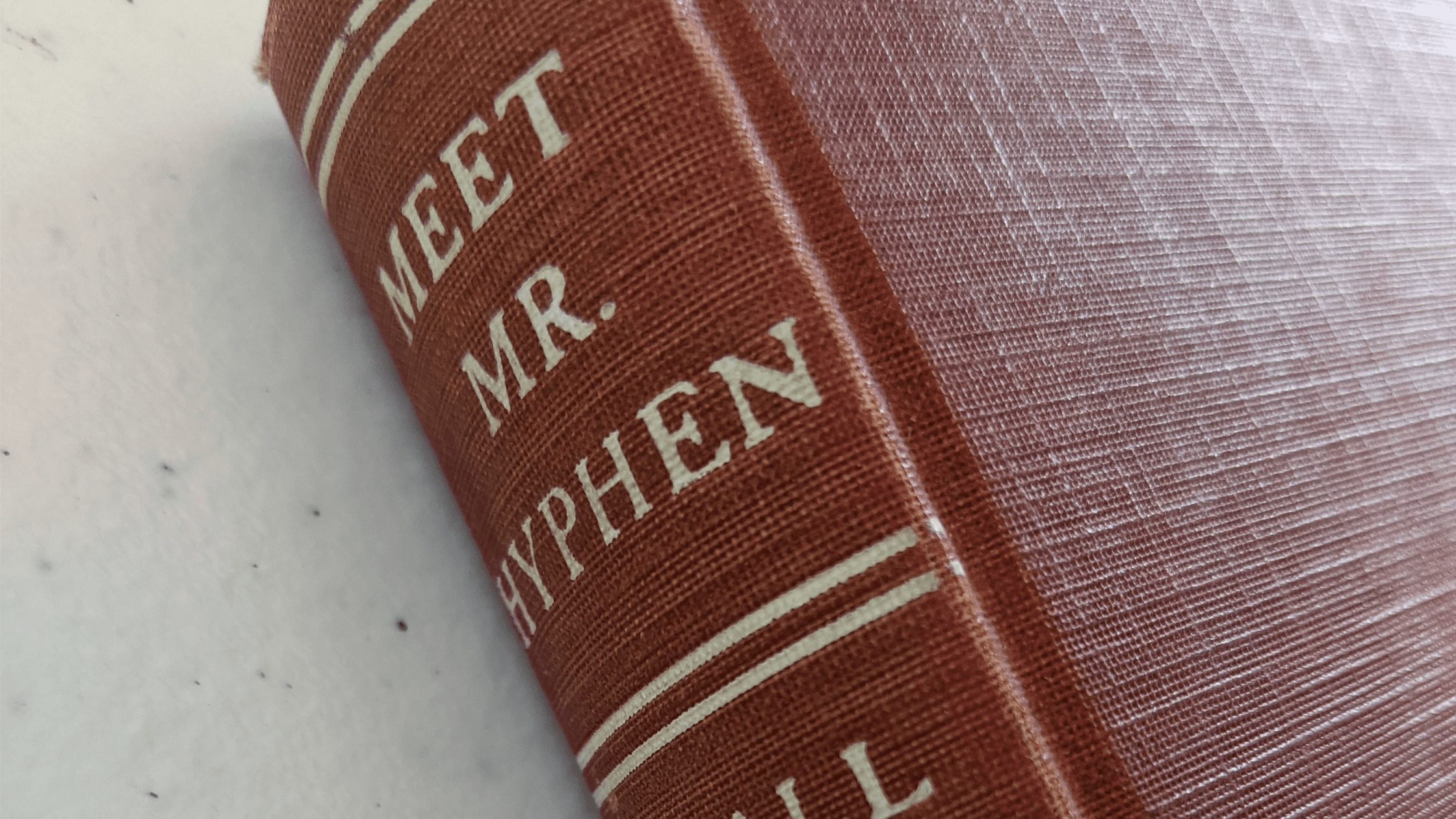
    My copy of Meet Mr. Hyphen is a handy five-by-seven hardcover that smells—delightfully—of its age. The book concludes with a working guide and a “Glimpse of the Compounder’s Workshop,” both of which can be dipped into from time to time.

    I’ll note that I didn’t cover Teall’s deeper analysis of compounding, such as his look at modifiers that are descriptive versus those that serve the function of identification. I still need to work my mind around that and around his other musings, but the book is there, on my shelf, and it’s not going anywhere.

    If there were one thought from the book I’d tattoo on my arm, it’s probably this:

    “Complete consistency is impossible. Good style is attainable.”


    References

    Norris, Mary. Between You & Me: Confessions of a Comma Queen. New York: W. W. Norton & Company, 2015.

    Teall, Edward N. Meet Mr. Hyphen (And Put Him in His Place). New York: Funk & Wagnalls Company, 1937.

    Words at Play: https://www.merriam-webster.com/words-at-play/comma-queen-meets-mr-hyphen.[/vc_column_text][/vc_column][/vc_row]

  • My First Annual Report for Castle Walls Editing

    My First Annual Report for Castle Walls Editing

    [vc_row][vc_column][vc_column_text]I finally did it. For the first time since committing to full-time freelancing at the end of 2017, I’ve drafted an annual report for Castle Walls Editing.

    While the report is for my eyes only, putting it together has been tremendously helpful, and I’ve already started my 2022 report, which I’ll be updating throughout the year.

    Benefits of Creating an Annual Report

    I didn’t create a report for the first three full years of my business. For the most part, I am my business, and no one was asking for it. I had work in front of me, and creating such a report required time I could spend earning money and completing jobs.

    But now that I have the report (printed, in fact, and within easy reach), I couldn’t be happier that I put it together, and I’d encourage anyone else, no matter how small their business, to do the same.

    The following are the main benefits I found from creating an annual report:

    • The report made me take a hard look at my business. It’s easy to ignore realities when they’re not staring you in the face. It’s easy to work and work and work and focus only on the job in front of you. Creating this report forced me to take a hard look at my business, the good and the bad. Seeing the bad isn’t easy, but it’s the first step toward addressing what isn’t working and heading in a better direction.
    • The report captured all areas of my business in one place. The report gives me a comprehensive scan of all areas of my business in one easy-to-access resource. I expand more below on the areas of the report, so I’ll just say here that having a quick resource for reviewing and thinking about finances, training, clients, and other areas of the business helps me keep those areas top of mind. And this has already prompted me to think more about the business even while I’m working in the business.
    • The report made me feel more businesslike. I was working at home even before the pandemic, and I do my best to create a businesslike atmosphere. I maintain fairly regular work hours, and I have a professional properly outfitted workspace. But I’m working alone in my home, and it can be easy to lose sight of the business as a BUSINESS. The report lends weight to the significance of what I’m doing, and it encourages me to think of the business as a business, something that’s often a challenge for freelancers.
    • The report let me celebrate my successes. I could do better in many areas of the business, and that will always be true. I never want to stop growing and learning and doing better. But it’s not easy to run an editing business and pay your bills and make your clients happy. And I’ve done this for four full years since leaving in-house employment to pursue this dream. That’s a hell of an accomplishment, and I’m proud of it. 

    What I Included in the Report

    Although I didn’t create a report for 2018, 2019, or 2020, I added income and client information for those years in the appendixes. For each year I created a pie chart with share by client, and this let me see areas of the business that have grown or shrunk over those years.

    Another helpful visual was a line graph of my income by year. I dipped a bit in 2021, but in terms of income, 2020 and 2021 were both well above 2018 and 2019, so the graph is still satisfying.

    The following are the main areas I addressed in my report. In my overview, I spoke honestly, in a conversational tone. In a sense, I am indeed having a conversation with myself about my business. I wanted to be honest, I wanted to be fair, and I wanted to be kind.

    • Overview
    • 2021 Income
    • Clients
    • Training
    • Equipment and Tools
    • Insurance
    • Appendix A: 2018
    • Appendix B: 2019
    • Appendix C: 2020
    • Appendix D: Books Edited in 2021
    • Appendix E: All Courses

    Going Forward

    The 2021 report served as a good start for my 2022 report. I simply carried over information that would apply and moved around information that could shift (for example, I moved my 2021 financial information into an appendix).

    I didn’t break my 2021 report down by quarter, but I plan to do that this year, and it will be fairly easy because I’ll be doing it each quarter rather than at the end of the year.

    For items like training, I can add courses as I go.

    The report is and always will be a work in progress. This year I plan to add a section on my web presence and social media. I hope to take a more in-depth look at my clients. I’d like to add a section on lessons learned and goals for the following year.

    I’ve also rededicated myself to consistent time tracking, and next year’s report will contain more breakdowns of that data, so helpful in estimating fees for clients and seeing the kinds of jobs that are most profitable.

    Have you run an annual report for your business? If not, I’d highly recommend doing so. It’s been wonderful for me, and that should translate into a better business for my clients.[/vc_column_text][/vc_column][/vc_row]

  • Starting an Accountability Group

    Starting an Accountability Group

    [vc_row][vc_column][vc_column_text]Even with all the advantages of freelancing (avoiding the commute, setting your own hours, protecting yourself with multiple income streams), you still might find yourself missing the kinds of discussions and professional camaraderie that come with in-office jobs. 

    Accountability (or mastermind) groups can help, and it’s wholly within your power to start one. (I did it, and I assure you I am far from a social butterfly.)

    Overcoming Anxiety

    There’s no way around it: organizing an accountability group means contacting people and setting yourself up for rejection. No matter how accomplished you are, you might still find yourself subject to negative self-questioning and impostor syndrome: Would anyone join my group? Do I want to be part of a group that would have me as a member?

    Your inner voice can be cruel, but remember a few things:

    1. The fact that you’re trying to learn and increase your connections in the editing community (or any professional community) speaks well of you.
    2. Most people will be flattered that you respect them enough to ask them to join your group.
    3. People might decline for reasons that have nothing to do with you. They may already be in another group. They may be feeling their own anxiety. But even if they decline, you’ve still paid them the compliment of an invitation, and they’re likely to remember that.

    Reaching Out

    Once I committed to forming the group, I had to find members. The editing community on Twitter is generally welcoming and informative, and I follow a lot of great editors. 

    I have always been uncomfortable on social media, but I interact just enough that I had in mind some people who might want to join the group (as well as someone I met at a breakout session during the last ACES conference).

    Six struck me as the perfect number of people for the group (I wanted enough people to offer different perspectives and still maintain a good group number when a member inevitably couldn’t make a meeting, but I didn’t want a number that would make the group unwieldy or limit the ability of everyone to participate).

    I sent out five invitations. One declined, as the person was already in another group, and one person had another participant in mind, and that person subsequently accepted, so we hit our six.

    It couldn’t have gone better.

    Defining Your Intent

    I had a rough idea of what I wanted to accomplish with the group, but sending out invitations forced me to define it better. The following are the main goals I had in mind for the group:

    • Share knowledge about tools and processes
    • Engage in discussions about our work lives
    • Promote accountability
    • Support each other
    • Share opportunities
    • Celebrate our accomplishments
    • Network

    Those are my goals, but I also wanted it to be a group of equal voices, and I looked forward to hearing what other members hoped to get out of the group. One of the main benefits of the group, I hoped, would be to inspire each other with ideas that wouldn’t occur to us otherwise.

    Managing the Logistics

    Once five members accepted invitations to the group, I had to set up our first meeting. I queried the group for best times and a good date. 

    My initial thought was to host our first meeting on Zoom, but I don’t have a paid Zoom account (with free accounts, your meetings are limited to forty minutes), so I sent out meeting requests on Google Meet (I have a Gmail account). 

    Enjoying the Ride

    The first meeting was a great success. One of the members couldn’t attend because work got in the way, and she was missed, but that will surely happen from time to time, and I wanted everyone to be assured that that’s fine, and that work and life take priority.

    Everyone seemed happy with Google Meet, the only inconvenience being that I have to admit people who aren’t part of the network (and that’s a minor inconvenience).

    Before the meeting I sent out a brief PowerPoint deck that included our purpose and three simple ground rules:

    • Be kind
    • Respect privacy of discussions
    • Do no harm

    This first meeting had the simple agenda of introducing ourselves and covering a few basics, such as the best day of the week and the best time to meet going forward, as well as the duration for the meetings.

    We decided to meet every two weeks on Wednesdays at 8:00 p.m., and we set the target at an hour, with the idea that we might want to keep the meetings going longer, but that anyone was free to drop off at any time, for whatever reason.

    The members are all wonderful editors, and as we introduced ourselves, I enjoyed learning about everyone’s experience and specialties. We seemed to have differences and commonalities that strike a nice balance, so my hopes for the group are high. 

    A Name

    We’re tentatively set with a group name of Pens & Pilcrows. 

    A name for the group might not be essential, but I could also get carried away thinking about the potential to set up a website so the group can share resources and promote its members, providing another gateway to our individual sites. I could also see us creating publications or helping other editors in any number of ways, but hosting successful, productive meetings is a great first step. 

    A name is also a unifying banner to work under and should increase our sense of unity. It also makes the group feel more official, more legitimate.

    Final Thoughts 

    I’m proud of myself for stepping out of my comfort zone and forming the group. I hope to learn a lot from the other members, and getting to know five other editors better has already been well worth the effort.[/vc_column_text][/vc_column][/vc_row]

  • Caring for Myself Helps Me Care for Your Work

    Caring for Myself Helps Me Care for Your Work

    [vc_row][vc_column][vc_column_text]Time takes its toll. Editors (like authors) spend a lot of time at their computers. As the hours, days, and years go by, we’re well served to find little ways to reduce the stress on our bodies and minds.

    I turned fifty recently and am hoping to edit for decades to come. But I’m more and more aware of how much I need to take care of myself to do my best work.

    Little things add up. If I’m editing and can use something like find and replace or a macro to reduce the time it takes to perform a repetitive task, then I’ll save myself hundreds of hours over the years, reduce the stress on my body, and free my mind for more important editing tasks.

    One of my favorite macros (a program that runs within Word) is MerriamFetch, which lets me use a keystroke to bring up a Merriam-Webster search for the word where my cursor is located. Editors are constantly looking things up to see not only spellings but variants and words that are open, closed, or hyphenated. So this macro is a real time-saver.

    (Convenient example: I used MerriamFetch to look up “time saver” and found that Merriam-Webster has it hyphenated, so I then used my Hyphenate macro to save a few keystrokes while hyphenating it.)

    Here are five additional (and recent) accommodations I’ve made to care for myself while editing. They might help you too.

    1. Blue light–blocking reading glasses. These filter out blue light to reduce eye strain from long days at the computer monitor, and they also have my reading glasses prescription.
    2. Raised monitors. I use the monitor on my laptop and two external monitors. Ideally the monitor is situated so I can look at it level without hunching and creating neck strain, so I’ve used lifts and my desk riser to raise the level of my monitors.
    3. Desk riser. This is one of my favorite additions to my setup. The desk riser sits atop my desk and lets me easily switch to a standing-desk arrangement. In addition to taking regular breaks to move around, it is wonderful to stand and work for a portion of the day. (It was also relatively inexpensive compared to standing desks.)
    4. Split keyboard. This is the most recent addition to my setup, and I’m still adjusting to it, but I am feeling very positive about it. The split keyboard comprises two keyboard halves connected by a tether. With this unusual-looking keyboard, I can set the halves at a distance and angles that allow me to type with my arms at a more comfortable angle than the straight-ahead approach of traditional keyboards.
    5. Improved posture. This would seem an obvious accommodation, but I had to make a conscious effort to sit up straight and keep my mouse forearm parallel to the floor. I’d been experiencing arm pain, and this has helped alleviate that.


    James Gallagher is a writer and editor with more than twenty years of experience. James can be contacted at James@castlewallsediting.com.[/vc_column_text][/vc_column][/vc_row]